I started playing brawl stars in 2017 when the beta soft launched in Canada ( back when it was 2D and vertical ). Ever since then I've
played on and off during the seasons and jumped back in on a very consistent schedule playing season by season for a few years now. I've
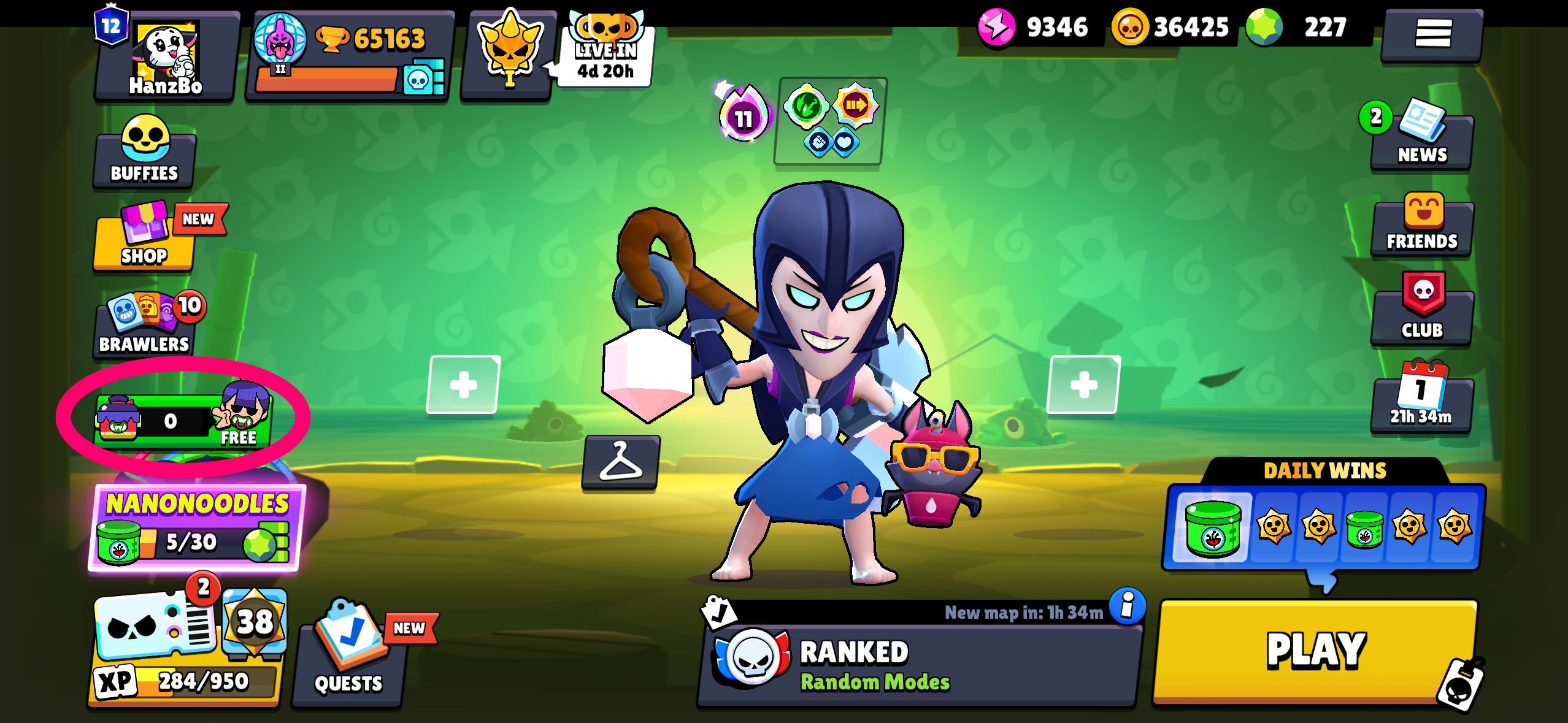
been chipping away at Fame in Brawl Stars lately since I've caught up enough in progression where that system starts to "matter".
Fame is the long term progression stat you start building once you've collected every brawler in order to flex on how much you play the game.
Sometimes I just want to check how famous I am, and somehow doing that is an infamous journey.
Fame is the long term progression stat you start building once you've collected every brawler in order to flex on how much you play the game.
Sometimes I just want to check how famous I am, and somehow doing that is an infamous journey.
Humble Beginnings
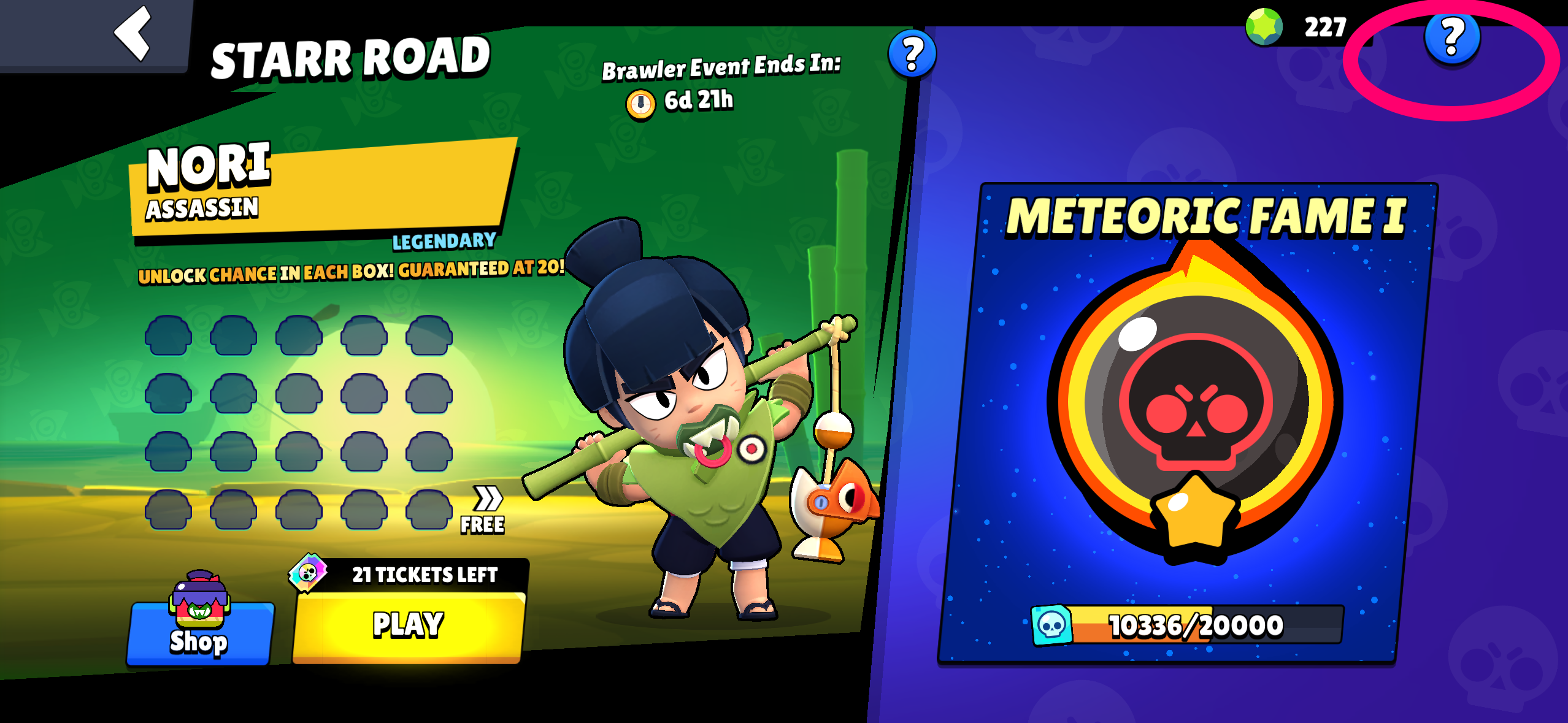
Follow it and there's a big glowing Meteoric Fame badge sitting on its own panel, with a number and
everything. This is the most prominent piece of fame UI in the entire game, so tapping it should show my progress, right?
The Trap
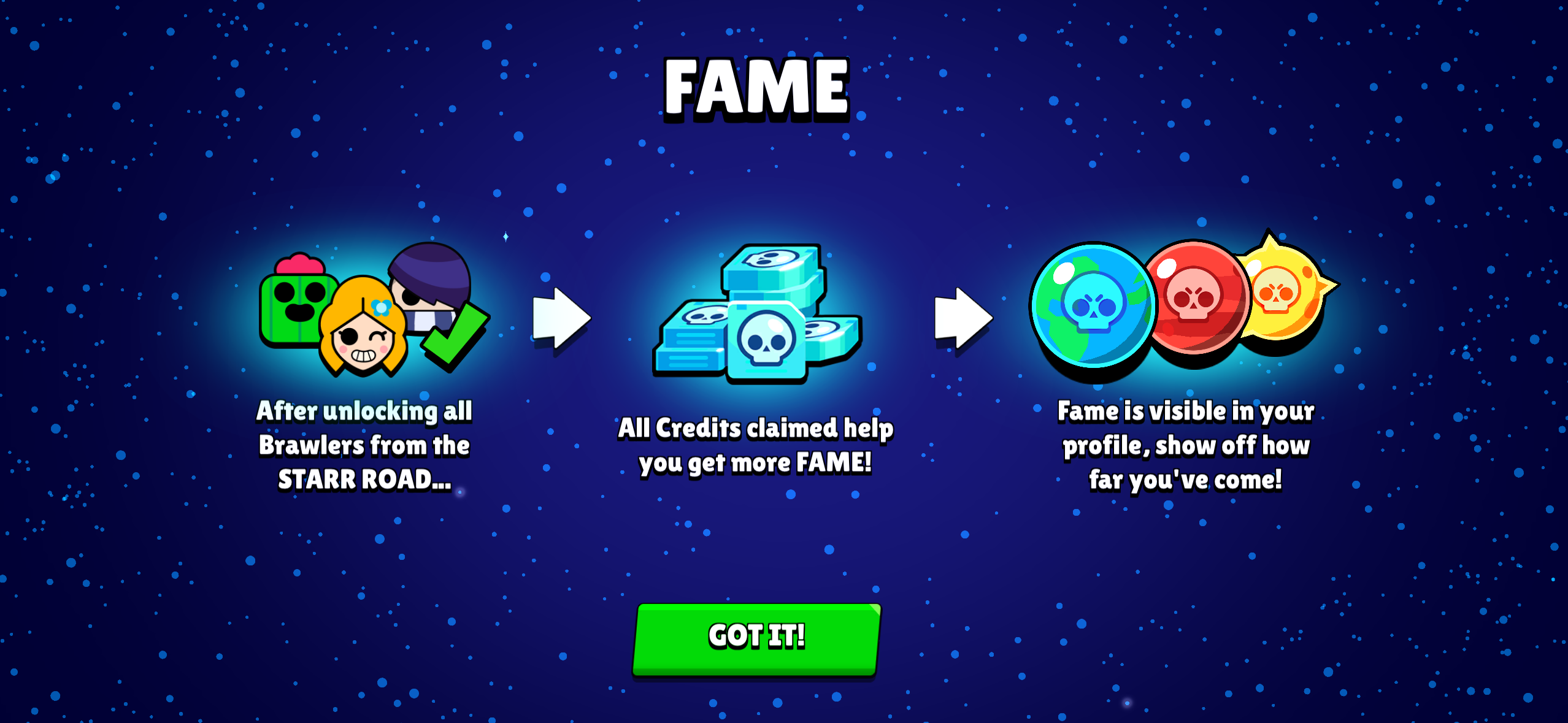
Peep that third panel again: "Fame is visible in your profile, show off how far you've come!" The most accessible fame button
in the game doesn't show you your fame, it shows you a popup telling you to go find it yourself...
That's not a tutorial, that's driving directions.
That's not a tutorial, that's driving directions.
The Walk of
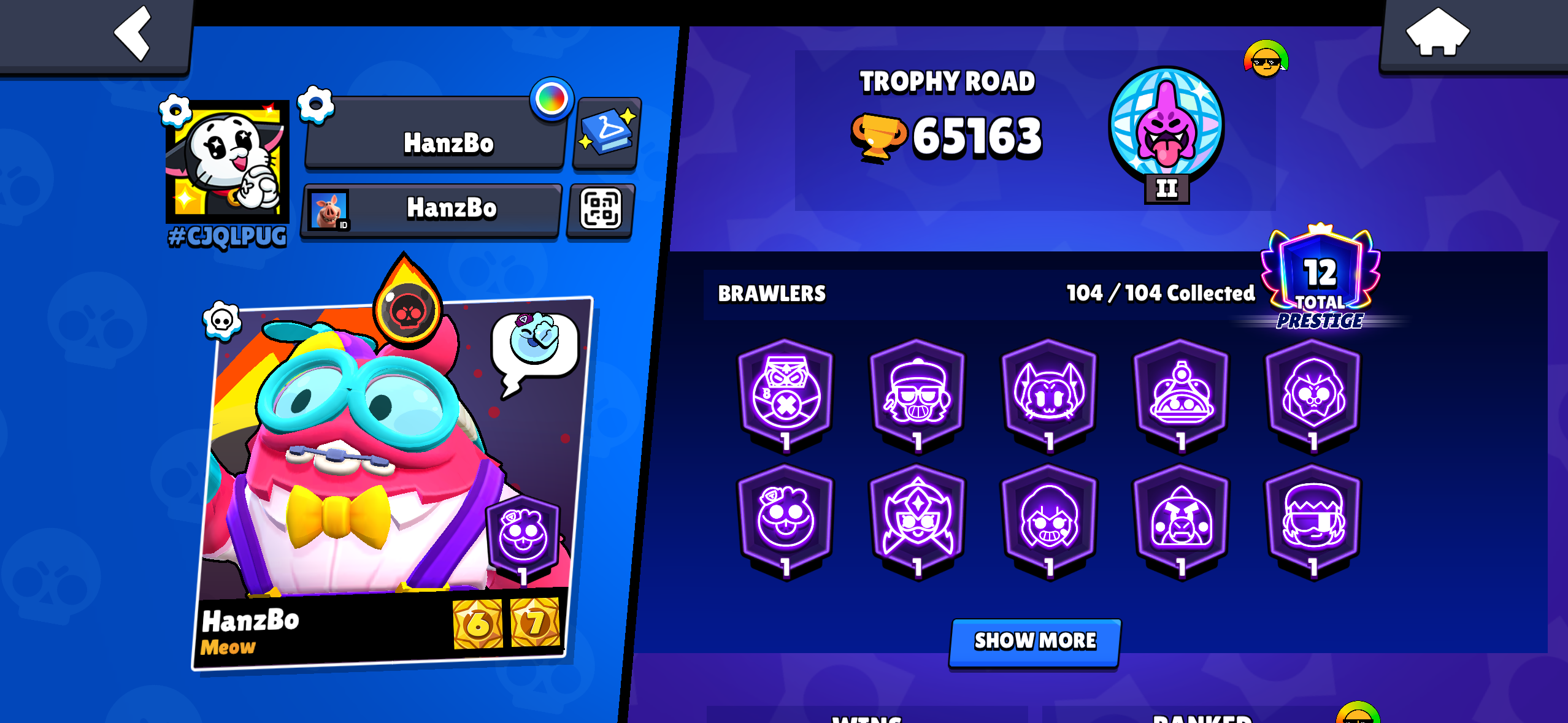
Scroll past your trophies, your brawler collection, your wins, your ranked stats...
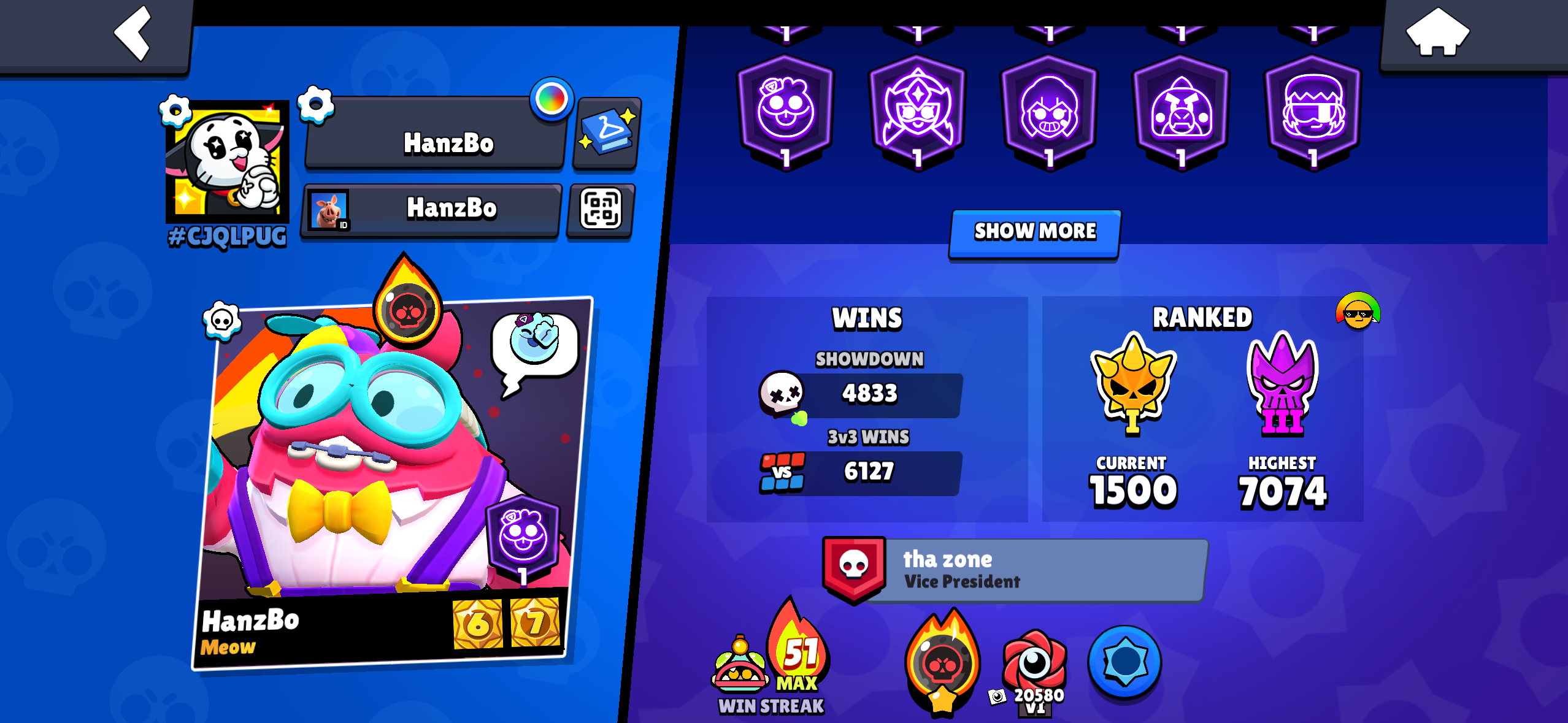
...and tap the little fame badge buried at the bottom. There it is, the actual Level of Fame screen with the full milestone track the
Starr Road panel never shows you:
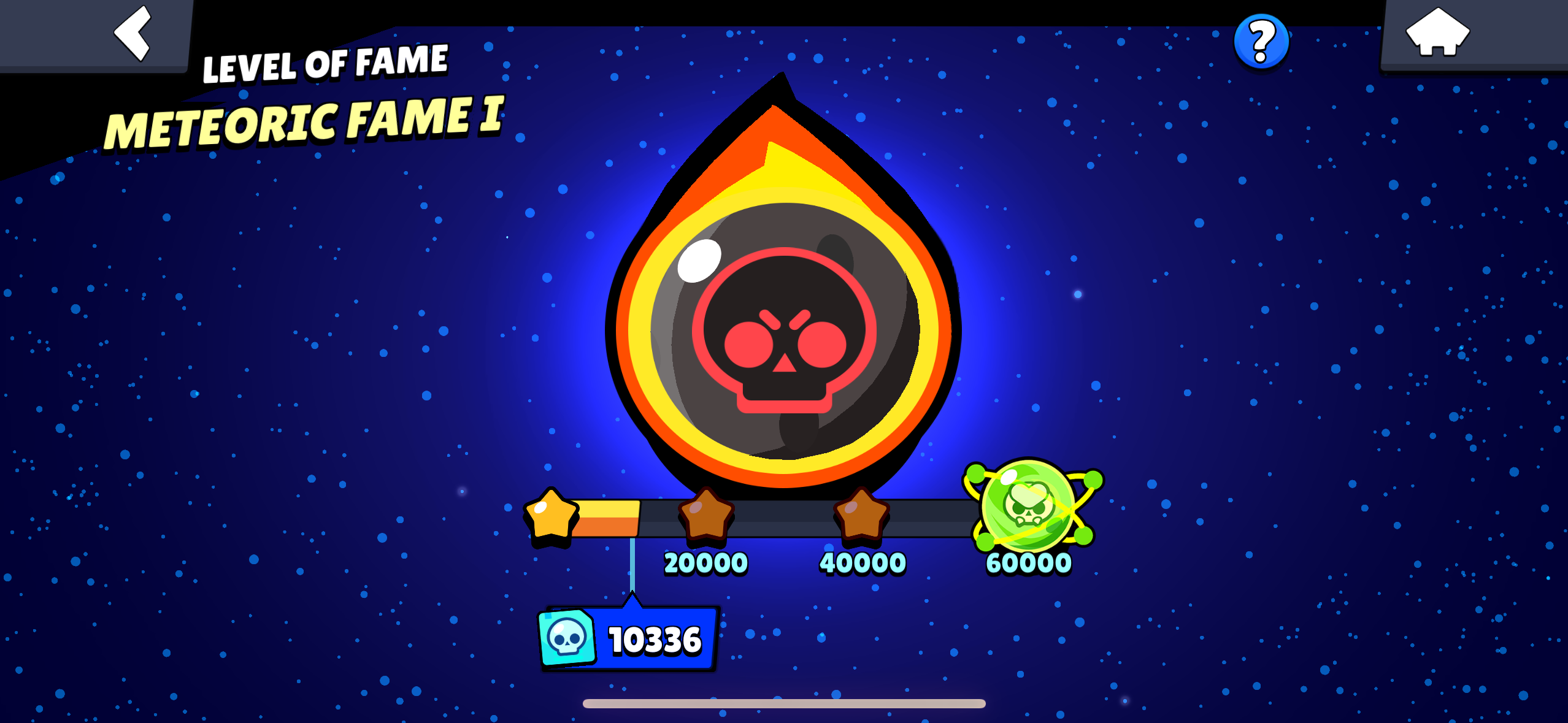
The funny part is the ? button in the top corner of this screen. It opens the same tutorial from earlier. So
the progress screen tucks the tutorial behind a help button like it should, while the big shiny badge on Starr Road hides the progress
behind the tutorial.
Reaching Out
The Plea
A year ago one of Supercell's own UI/UX designers asked LinkedIn what people would like to learn about Brawl Stars' UI/UX. Looking for enlightenment, even.
So I obliged with this exact issue. Empty Starr Road, fame button, tutorial popup, the whole scavenger hunt.
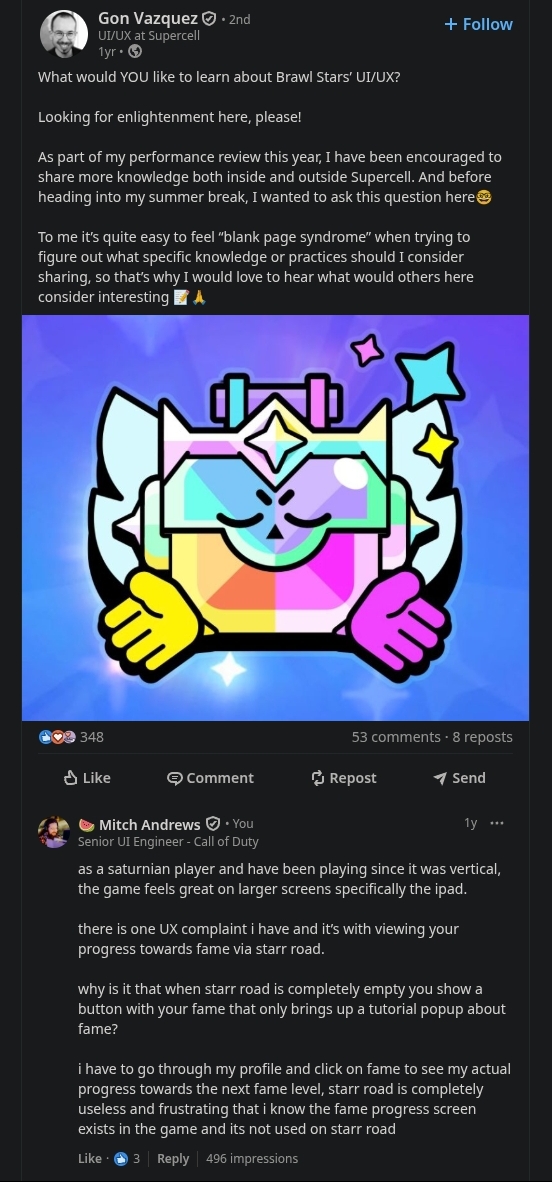
The Response
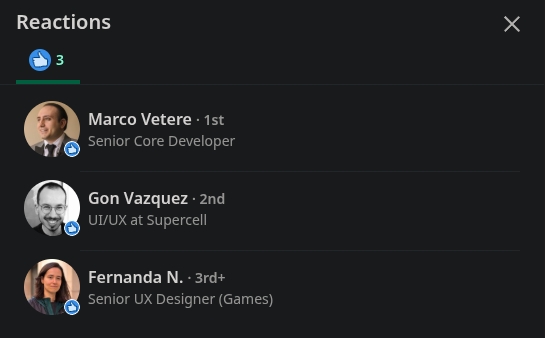
It wasn't ignored either. They liked the comment.
So people who do this for a living acknowledged it... and the button still opens the tutorial today, which is why I'm marking this as unpatched.
How I'd Fix It
-
Tapping the Fame badge on Starr Road should open the Level of Fame screen. It's the one thing everyone tapping that badge is looking for.
-
Keep the tutorial behind a ? button like the Level of Fame screen already does. Show the popup once for new players and never again.
-
Fame is the endgame stat for people who finished the collection. It probably deserves a spot near the top of the profile next to Trophy Road, not an unlabeled badge at the bottom of a scroll.
It's probably a single line of code ( they run their own Titan
engine ), a deep link is not the hard part. I just think they don't care about our tier of players until they release power 12.